
Welcome to Balıkesir University – Information for Newly Registered Students
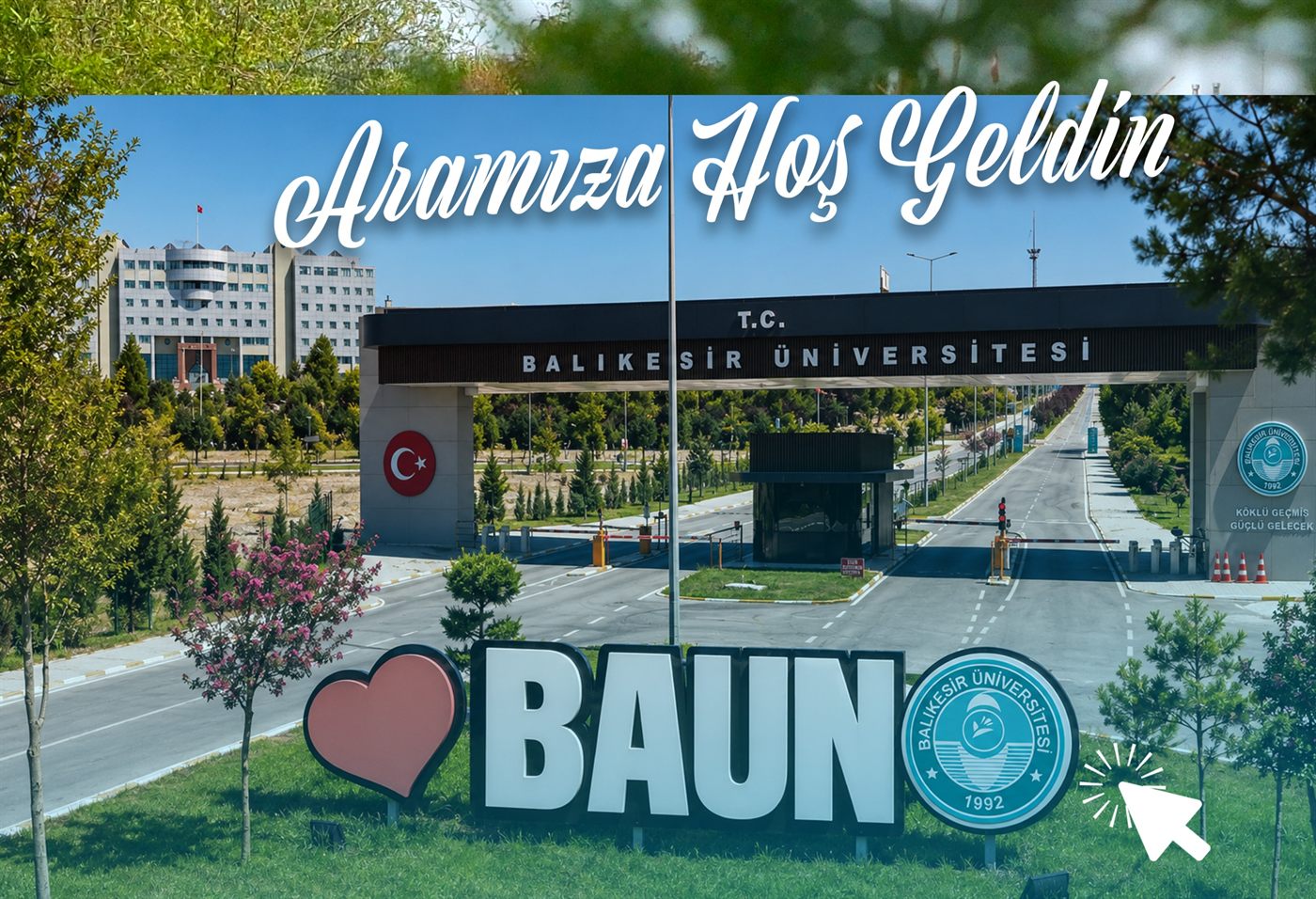
Welcome to the Balıkesir University family
I sincerely congratulate all our students who have chosen Balıkesir University and joined our family, and I welcome you to our University and to our student-friendly city of Balıkesir.
University life is not merely a process of acquiring a profession; it is also a most valuable period in which you will meet new people, develop yourself in different fields and shape your future. As Balıkesir University, we will continue to stand by our students with all our means so that they receive a quality education and pursue their scientific, social, cultural and personal development in the best possible way.
We are continuously improving our education programmes and carrying on our work so that our students are prepared for the future with the knowledge and skills required by a changing world. We aim to carry the rise our University has achieved in performance rankings in recent years even further, and to reach new successes together with you.
On this occasion, I wish that the results of the 2026 YKS placement bring good fortune to our students and their families; and I wish all our students newly joining the Balıkesir University family a university life full of health, happiness and success.
To the Attention of Our Newly Registered Students
Regarding Institutional E-Mail, Internet and Dining Hall Services
Dear Students,
In order for our newly registered students to benefit from institutional e-mail, internet access and dining hall services without any problems, it is important that you carefully review the information below.
When Are Your Accounts Activated?
Once your registration in the Student Information System (OBS) is completed, your institutional e-mail and BAUN Authentication System accounts are created automatically. No separate application is required for these accounts.
Your accounts become ready for use by 09:00 the following day at the latest after your OBS registration is completed.
You can view the institutional (@baun.edu.tr) e-mail address assigned to you through the OBS system.
Your Institutional E-Mail Account
Your E-Mail Address
As a general rule, your institutional e-mail address is created in the following format:
firstname.lastname@baun.edu.trWhen the address is created, Turkish characters are converted into their English equivalents:
Spaces and hyphens in the first name and surname are removed. First names or surnames consisting of more than one word are written together.
If another student has the same first name and surname, a sequence number may be added to the end of the address.
In addition, e-mails sent to yourstudentnumber@baun.edu.tr are forwarded to the same mailbox. You may use either address.
Your Initial Password
Your initial password is your Turkish ID (T.C. Kimlik) number + Ab!
Password: 12345678901Ab!
Logging In to E-Mail
Login address:
https://ogrenci.baun.edu.trUsername: Your full e-mail address (e.g. firstname.lastname@baun.edu.tr)
Password: The initial password stated above
Changing Your Password
Your password does not have a fixed validity period. However, for the security of your account, we strongly recommend that you change your password after your first login.
Through webmail: Preferences → Change Password
If you forget your password, you can create a new one at smsdogrulamaogr.balikesir.edu.tr using the SMS verification code sent to the mobile number registered in the system.
Mailbox Capacity
A mailbox space of 500 MB is allocated to your institutional e-mail account.
Internet Access and the BAUN Authentication System
In order for you to benefit from our University's internet and related IT services, your BAUN Authentication System account is also created automatically following your OBS registration.
https://kimlik2019.balikesir.edu.trUsername: Your Turkish ID (T.C. Kimlik) number
Initial password: Your Turkish ID number + Ab!
Password: 12345678901Ab!
For the security of your account, changing your password after your first login is recommended.
If You Forget Your Password
You can use the "Forgot My Password" option on the BAUN Authentication System login screen. After verifying your Turkish ID number and the last 4 digits of the phone number registered in the system, your new password is sent to you by SMS.
Dining Hall Services
In the central and district dining halls of our University, payment is made by QR code through the Halkbank Kampüste application.
In order to avoid any inconvenience and congestion at the beginning of the 2026-2027 Academic Year, newly registered students are required to complete the application form for the application and account opening procedures.
Application address: https://yemek.balikesir.edu.tr/ — It is important that you complete your application by the date stated.
Using the Halkbank Kampüste Application
To pay by QR code in the dining halls, you need to complete the following steps:
- Download the Halkbank application to your phone from the App Store or Google Play.
- Create your digital banking password from the Create Digital Password section within the application. If the digital password section does not appear on the first screen, you can use the digital password creation option on the screen following the login section.
- If your phone does not support NFC, you can carry out the necessary verification and password creation procedures through Halkbank Dialog.
- After creating your password, log in to the application and check your account.
- Download the Halkbank Kampüste application from the App Store or Google Play.
- Log in to the Halkbank Kampüste application with the password you use for Halkbank Digital Banking.
- Using the "QR Code" section within the application, you can complete your payment in the dining halls.
- At the turnstiles, you can select the "Payment by POS / Turnstile Access" option and pass through by paying with your QR code.
Support
Academic Calendar and Course Registration
You can access the academic calendar through the link below:
Academic Calendar (PDF)On the course registration dates stated in the academic calendar, you must complete your course registration at obs.balikesir.edu.tr by logging in with e-Devlet.
We wish all our students a successful, healthy and productive new academic year.